Audio
Spotify Wrapped 2025: How to actually get yours (and what to do with it)
Get ready to unwrap your musical identity with Spotify’s 2025 Wrapped! Discover new features like listening age and clubs, top artists race, and archived moments.

Just a heads up, if you buy something through our links, we may get a small share of the sale. It’s one of the ways we keep the lights on here. Click here for more.
Did you just open Spotify and see neon banners screaming about your “2025 Wrapped,” but you’re not sure how to dig into the guts of it or, better yet, show it off? You’re not alone.
This year, Spotify went even bigger: more features, more stats to flex, and way more ways to figure out that yes, you really did listen to “bad guy” 58 times in one week.
Let’s get you unwrapped, fast:
How to Get Your Spotify Wrapped (Don’t Overthink It)
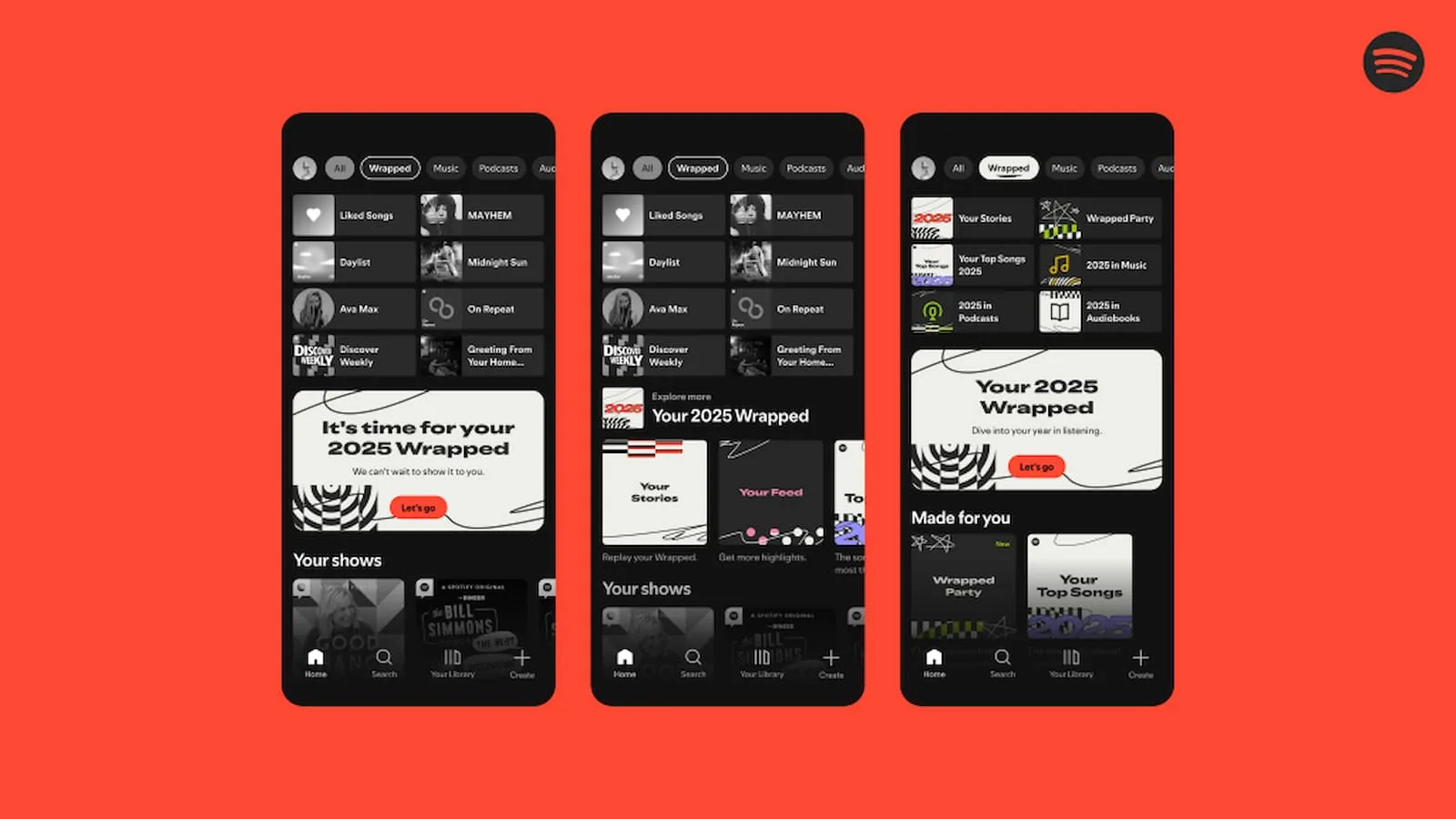
- Update Spotify: Seriously. If your app isn’t updated, Wrapped may play hard to get. Head to your app store and hit “update” for Spotify. Wait for the install (or curse your ancient phone’s speed).
- Open the App: Launch Spotify on mobile iOS or Android. Wrapped is currently mobile-first; if you’re stubborn and use desktop, you’ll probably have to wait a little.
- Look for the Banner: As soon as you fire up the app, a huge “2025 Wrapped” banner should be blaring away at the top. Tap it. No banner? There’s also a “Wrapped” tab right near the top of your home feed, or you can search for “Wrapped.”
- No luck?: If you still see nothing, try closing the app and opening it again. Worst case, clear the cache in your phone’s settings for Spotify, log out and log back in, or just wait a few hours (sometimes Spotify rolls it out in waves).
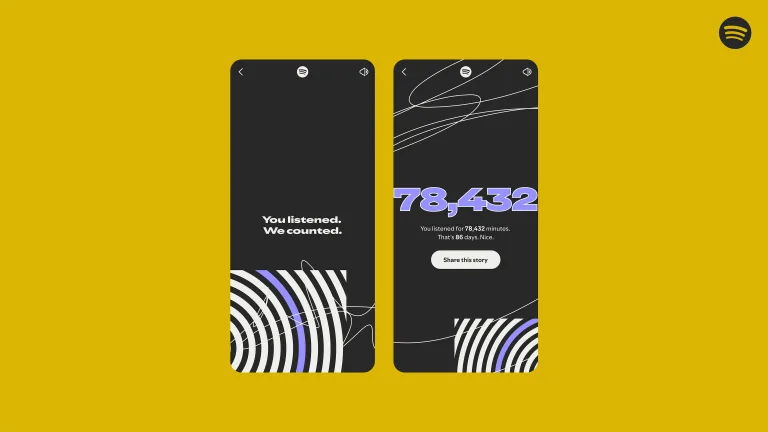
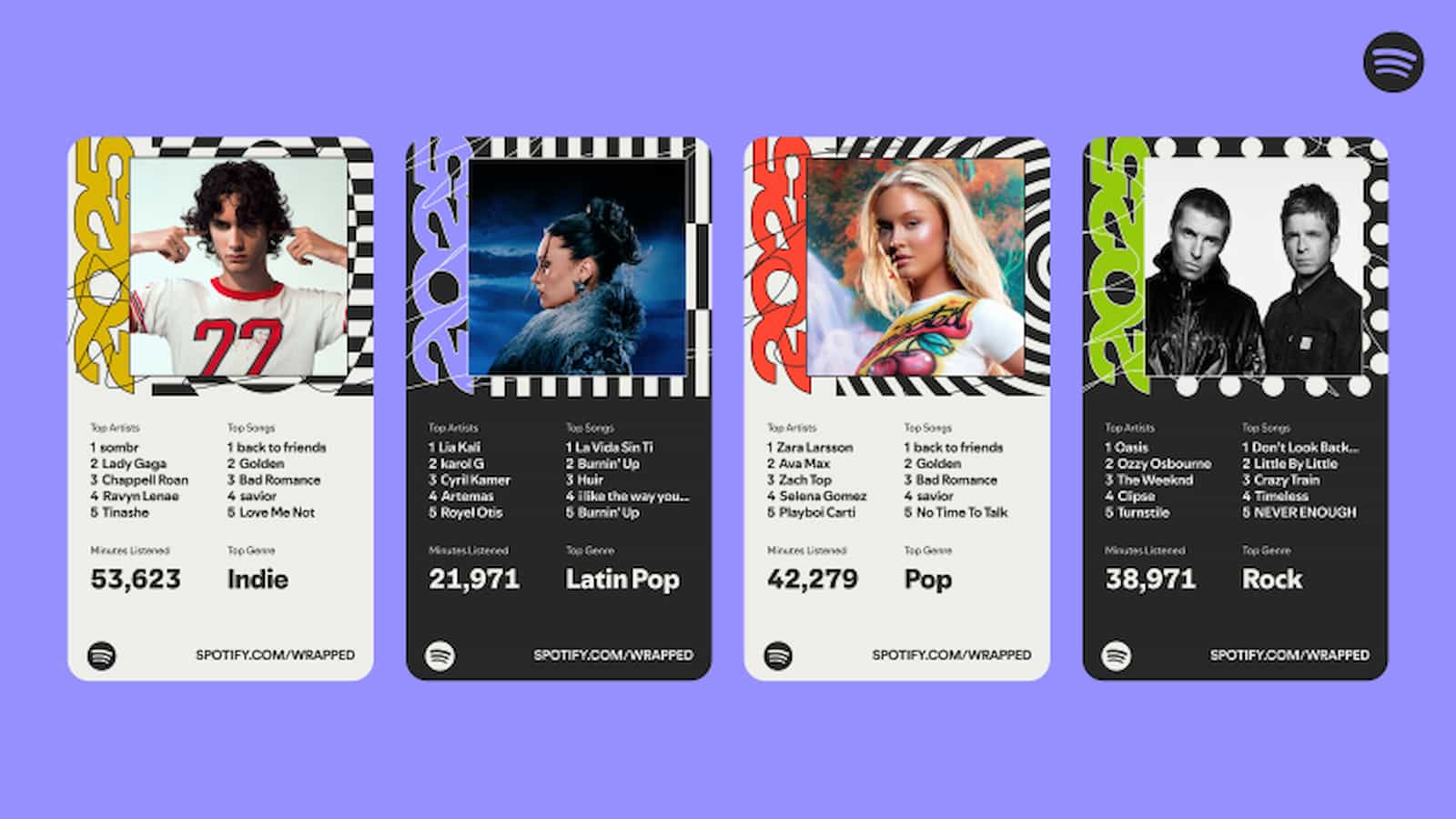
Spotify Wrapped 2025: What’s Actually New (and Not Just Recycled)
Spotify treats Wrapped like Beyoncé treats album drops—every year there’s something new to gawk at Spotify Newsroom.
- Audiobooks Invade: You can now see your top audiobooks and how many hours you spent pretending you read something substantial. They even got authors like Rebecca Yarros (Fourth Wing superfans, I see you) and a few other narrators to record special messages if you listened to their work.
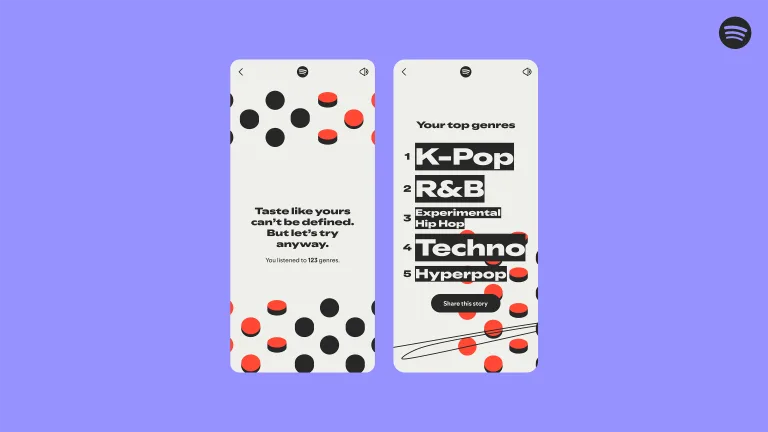
- Podcasts & Top Genres: Podcasts stay strong. Your top five are listed, with minutes listened. That genre wheel is back too, after much whining on Reddit—meaning you’re getting a breakdown of the chaos that’s your musical taste.
- Listening Age & Clubs: Here’s the fun part. Spotify scans those moody late-night playlists and ‘80s hair metal deep cuts and spits out a “listening age.” (For example: you’re 22, but your tracks suggest you peaked at Woodstock.) Then, it throws you into a “club” with badges: the Soft Hearts, Grit Collective, Club Serotonin, Cloud State Society, Cosmic Stereo, Full Charge Crew—you get a snazzy description and, yes, a title to flex in the group chat.
- Top Artists Race: Your top five artists are now caught in a monthly showdown, revealing who edged out whom for your repeat affections.
- Wrapped Party: New for 2025, this is Spotify’s attempt at making your music tastes a competitive sport. Invite up to nine friends, compare stats live in the app, and see who gets crowned with “Sonic Sync” or “Chaos Crew” awards. It’s a little like a Mario Kart battle—except you’re the weird uncle who listened to whale noises for 300 hours.
How-To: Share Without Losing Dignity
- Built-in Sharing: Every stat/story/graphic you see in Wrapped is built to share directly to Instagram, Snapchat, WhatsApp, or even via QR code. Just hit the “share” icon.
- Wrapped Party (Group Mode): After checking out your own stats, hit the Wrapped hub and dive into the live “party.” Spotify will walk you through inviting friends and, if you’re anxious, you can join anonymously. Compare, brag, gloat—rinse, repeat.
- Archived Moments: Spotify now logs your wildest listening days: “Repeat-Heavy Day,” “Most Nostalgic,” etc. These are good ammo for calling out that one friend who claims to have “varied taste,” but only listens to the Moana soundtrack.
Spotify Wrapped is bigger, weirder, and nosier than ever in 2025.
Whether you’re a stats nerd, social butterfly, or that person who just wants to know who else looped Taylor Swift at 3AM, they’ve made it as easy as possible to find, flex, and, if necessary, hide your guilty pleasures.
So: update your app, start scrolling, and embrace your messy musical self.
Follow us on Flipboard, Google News, or Apple News