AI
How to use ChatGPT’s “year in review” (aka ChatGPT Wrapped)
Your Year with ChatGPT,” a personalized recap for 2025 that blends stats, awards, AI-generated poems, and a touch of existential reflection.

Just a heads up, if you buy something through our links, we may get a small share of the sale. It’s one of the ways we keep the lights on here. Click here for more.
Yep, OpenAI did it—they made their own Spotify Wrapped.
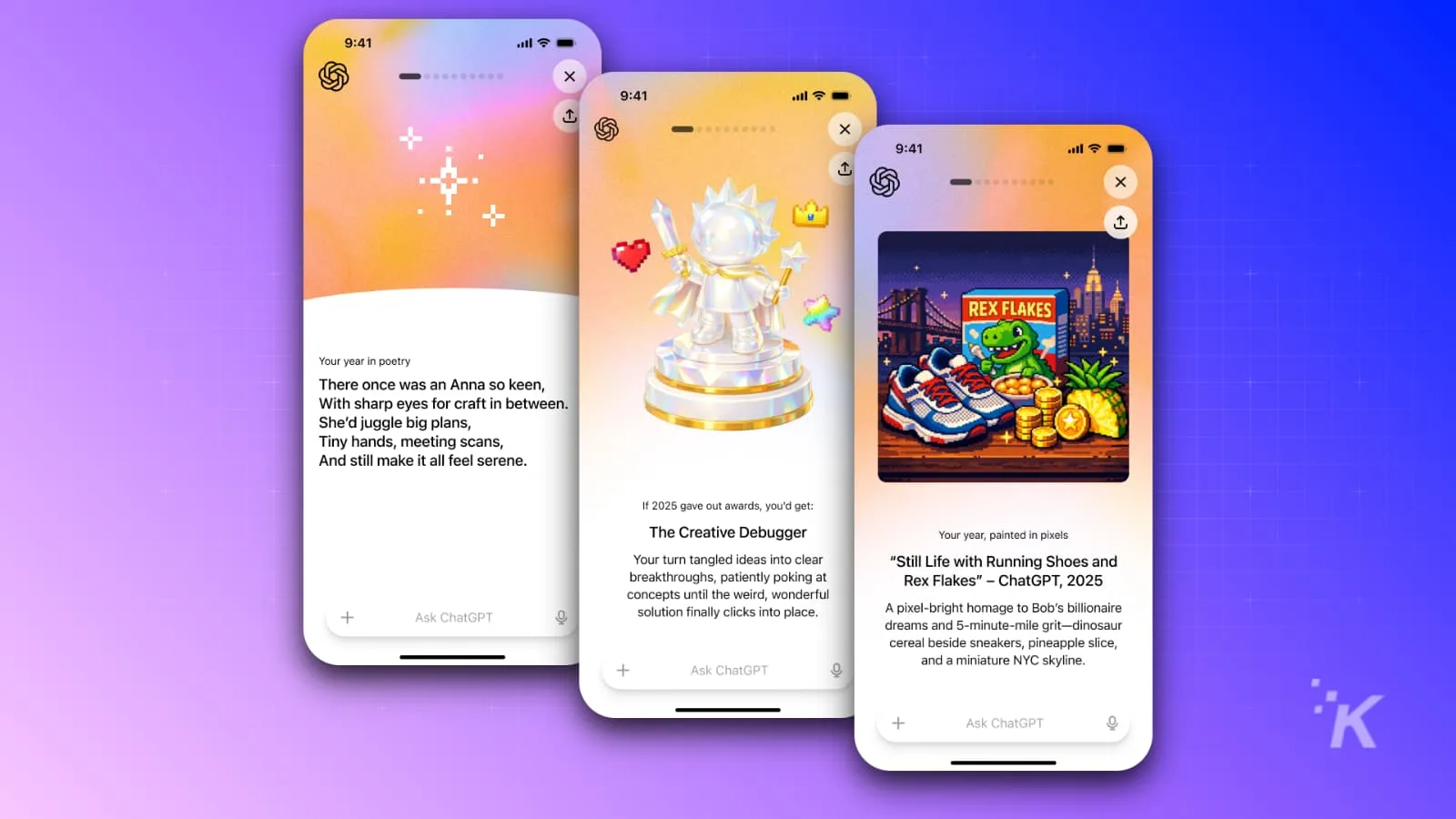
Now, if you used ChatGPT in 2025, you’ll get a slick personalized recap called “Your Year with ChatGPT.” Think: stats, awards, AI-generated poems, and maybe a mild existential crisis.
Who gets this?
You qualify if you’re on a Free, Plus, or Pro plan, you’ve enabled chat history and saved memories, and you actually use ChatGPT (sorry, Enterprise/Team/Education folks, you’re benched).
It’s rolling out in the US, UK, Canada, Australia, and NZ for now, reports TechCrunch.
How do you see it?
Easy: Open the ChatGPT app or website. Look for the “Year in Review” banner.
Don’t see it? Type “Your Year with ChatGPT” right in the chat and it should pop up.
What’s in it?
- Silly “awards” like Creative Debugger or Poet of the Year.
- Stats on things like your busiest chat day, favorite topics, even your em-dash obsession.
- A custom AI poem and image—proof the robots know your weird side.
Why does this matter?
It’s a fun time capsule and a way to roast yourself—TikTokers are already making parody “ChatGPT Wrapped” videos with their statsq. Or just use it to see if you’ve actually learned anything this year.
Follow us on Flipboard, Google News, or Apple News