
PC
Windows 11’s performance flops in real-world showdown—here’s why
Windows 11 is facing a reality check in a YouTube benchmark showdown, consistently trailing behind older versions with slower boot times.

Just a heads up, if you buy something through our links, we may get a small share of the sale. It’s one of the ways we keep the lights on here. Click here for more.
Windows 11 is supposed to be Microsoft’s fast and secure future of PC computing, but in a recent real‑world test it came in dead last against five older versions of Windows on almost every performance metric.
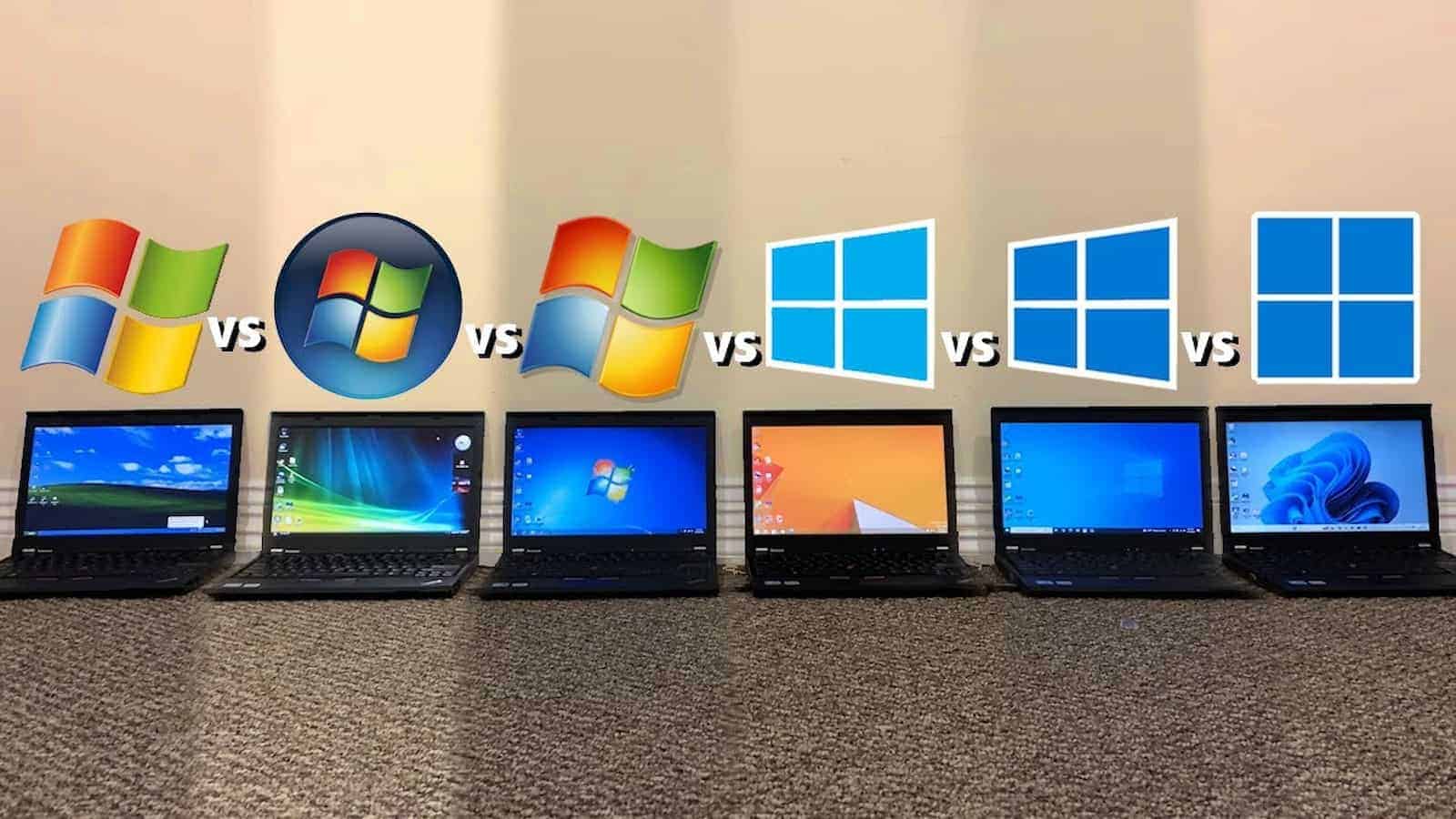
In a YouTube benchmark showdown, creator TrigrZolt installed everything from Windows XP through Windows 11 on identical Lenovo ThinkPad X220 laptops and then timed everyday tasks like booting, opening apps, web browsing, and basic content creation.
The bad news for anyone already annoyed with Windows 11’s vibes: it was consistently the slowest OS in the lineup.
Across the board, Windows 11 took longer to boot, drained more battery, opened apps more slowly, and even lagged behind in a simple OpenShot video editing test.
It also hogged the most RAM at idle, thanks to a pile of background services and telemetry that power users have been complaining about since launch.
Even core tools like File Explorer and Paint felt sluggish, with Explorer in particular still using roughly twice the memory of its Windows 10 counterpart while remaining annoyingly slow.
There are a couple of asterisks. All of the testing happened on an older ThinkPad with a mechanical hard drive that doesn’t officially support Windows 11, while Microsoft’s latest OS is clearly tuned for SSDs and more modern hardware.
Windows 11 also did better in a few spots, like file transfer speed and default app disk usage, and it wasn’t always dead last in page‑loading tests.
Still, the takeaway tracks with what a lot of Windows 11 users already feel: Microsoft keeps bolting on flashy features and background processes while the OS itself gets heavier and less responsive, especially on older machines.
Until Microsoft has its own “XP Service Pack 2” style clean‑up moment for Windows 11, anyone on aging hardware is probably better off sticking with something leaner like Windows 10.
Follow us on Flipboard, Google News, or Apple News











wpontius
January 9, 2026 at 2:05 pm
Well Windows is 40 years old and it’s health has deteriorated in recent years. Binging on pork rinds causing a dramatic weight increase. Windows wealthy single parent Microsoft refused all help.
JohnIL
January 9, 2026 at 2:40 pm
Unfortunately users never needed a Windows 11 we were fine with Windows 10. You know, the last version of Windows according to Microsoft. Apparently Microsoft decided sticking with the last Windows was not a good marketing scheme for PC makers. Besides Microsoft needed more users on a Microsoft account and selling more product services subscriptions.
So here we are with Windows 11 and I would bet Windows 12 will be even worse for user choice. AI is here and crammed into every bit of Windows code as well as software. Dell at least admitted most buyers couldn’t care less about a AI PC. Which begs the question, what is AI PCs for? I just want a PC that runs the apps I need and any AI for me is in the cloud which I can run on any OS or PC AI compatible or not. I do most work on Apple devices now and don’t use Apple Intelligence either. Honestly, I can’t wait for AI hype to die down and stop trying to infuse into every aspect of my life.